Supported Payment Methods
-
bKash
Deposit: within 2 min
Min ৳350 · Instant confirmation -
Nagad
Deposit: within 2 min
Min ৳350 · Instant confirmation -
Rocket
Deposit: within 2 min
Min ৳350 · Dutch-Bangla -
Upay
Deposit: within 2 min
Min ৳350 · UCB-based -
Bank Transfer
Deposit: within 2 min
Min ৳350 · All major banks
Deposit limits and processing times may vary slightly during peak hours. The ৳350 minimum applies to all methods.
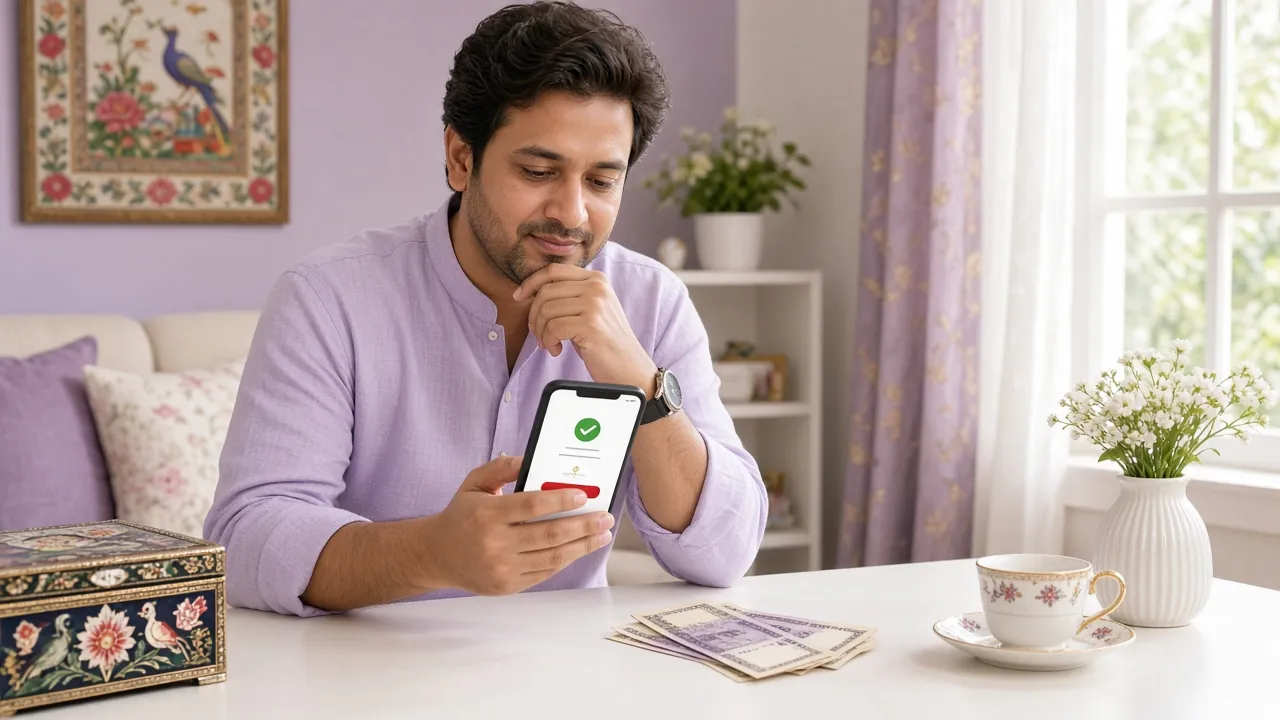
How to Make a c88o Deposit: General Flow
The deposit process is the same regardless of which wallet you use. The steps below cover the shared flow; method-specific details follow in the tabs underneath.
-
1
Log in to your account
Open the c88o website or the mobile app and sign in. If you do not have an account yet, register here first — it takes under two minutes.
-
2
Open the Cashier / Deposit section
Tap the wallet icon or go to Account > Deposit. The cashier page lists all available payment methods with their current limits.
-
3
Choose your payment method and enter the amount
Select bKash, Nagad, Rocket, Upay, or Bank Transfer. Enter the amount you want to deposit — minimum ৳350. The system will show any active bonus that applies.
-
4
Complete the transfer in your wallet app
You will see the c88o merchant number and a unique reference code. Send money to that number from your wallet app, using the reference code in the transaction note or reference field. Do not close the c88o page while doing this.
-
5
Submit your Transaction ID (TrxID)
After sending, copy the TrxID from your wallet's confirmation message and paste it into the c88o deposit form. Tap Confirm. Funds arrive within 2 minutes in most cases.
Deposit Steps by Method
-
1
Open bKash and choose "Send Money"
Launch the bKash app or dial *247#. Select "Send Money" — not "Payment". Using Send Money avoids merchant fee complications and matches what the cashier expects.
-
2
Enter the c88o merchant number shown on screen
Copy the number displayed in the c88o cashier exactly. Do not use any other number. The number changes periodically for security — always take it from the cashier page at the time of deposit.
-
3
Enter the deposit amount and your reference
Type the BDT amount you want to add (minimum ৳350). In the "Reference" field, paste the unique code shown on the c88o deposit form. This links your payment to your account.
-
4
Confirm with your bKash PIN
Enter your 5-digit bKash PIN. Never share this PIN with anyone, including people claiming to be c88o support staff.
-
5
Copy the TrxID and submit it on c88o
bKash will send you an SMS with a TrxID (e.g. ABC12345XYZ). Copy it, paste it into the c88o deposit form, and tap Confirm. Your balance updates within 2 minutes.
-
1
Open the Nagad app or dial *167#
Go to "Send Money". Nagad also supports in-app QR payment, but manual number entry is recommended to match the cashier reference correctly.
-
2
Enter the number and amount
Use only the number shown in the c88o Nagad deposit panel. Enter your deposit amount (minimum ৳350). Add the reference code in the note field if prompted.
-
3
Confirm with Nagad PIN and get your TrxID
Approve the transfer with your Nagad PIN. The confirmation screen and SMS both contain the TrxID. Copy it and submit it on the c88o deposit form to complete the deposit.
-
1
Open Rocket (Dutch-Bangla) or Upay (UCB)
Both wallets follow the same flow. Choose "Send Money" inside the app, or dial *322# for Rocket. Upay users should use the app for the reference field.
-
2
Send to the number shown in c88o cashier
Enter the number displayed for Rocket or Upay respectively. Add the reference code from the c88o deposit page in the description or reference field. Minimum deposit ৳350.
-
3
Submit your TrxID on c88o
After the wallet confirms, note the transaction ID from the SMS or in-app receipt. Enter it in the c88o deposit form and tap Confirm. Funds arrive within 2 minutes.
-
1
Select Bank Transfer in the cashier
c88o supports most Bangladeshi banks via BEFTN or NPSB. The cashier will show you the account number, branch, and routing number to use for this specific deposit.
-
2
Send from your bank's app or branch
Transfer at least ৳350 to the account details shown. In the payment remarks/narration field, paste the reference code exactly as shown. This is essential — without it, your deposit cannot be matched automatically.
-
3
Upload your transfer receipt
Bank deposits may require a receipt upload in addition to the transaction reference. Use the upload button in the cashier form. Processing completes within 2 minutes once matched.
When Money Does Not Arrive: Deposit Troubleshooting
Most deposits at c88o land within 2 minutes. If yours hasn't appeared after that, check the table below before contacting support. Having your TrxID ready speeds up any resolution.
| Problem | Likely Cause | What to Do |
|---|---|---|
| Deposit sent but balance not updated after 5 minutes | TrxID not submitted, or submitted incorrectly (wrong character, extra space) | Go back to the deposit form, re-enter the TrxID character by character, and tap Confirm again. If the form closed, open a new deposit, pick the same method, and enter the TrxID in the support field. |
| Transaction rejected immediately | Amount below the ৳350 minimum, or the c88o merchant number changed since you loaded the page | Refresh the cashier page to get the current payment number, then start the deposit again with the correct amount (min ৳350). |
| Money deducted from wallet but no confirmation SMS | Mobile network delay or bKash/Nagad system outage | Check your wallet's transaction history inside the app. The TrxID appears there even without an SMS. Use that TrxID to submit the deposit manually. |
| Deposit shows "Pending" for more than 15 minutes | Bank-to-bank transfers or large amounts may need manual matching by the payments team | Contact c88o 24/7 Live Chat with your username, the payment method, the exact amount, and the TrxID or bank reference number. Do not send a second deposit until the first is resolved. |
| Sent to the wrong number | Copied an old or incorrect merchant number | Contact Live Chat immediately. Recovery is not guaranteed but the team will investigate. Always copy the number directly from the cashier page — never from a saved screenshot or message. |
| Deposit declined due to daily limit | Some mobile wallets have their own daily send limits (not set by c88o) | Split the deposit into smaller amounts on separate transactions, each with its own TrxID submission, or use a different payment method such as bank transfer. |
Protect Your Wallet: Things Every Player Should Know
Mobile wallet fraud is common in Bangladesh. Use this checklist every time you top up your c88o account.
-
Always take the payment number from the c88o cashier page — never from a screenshot someone sent you, a Telegram group, or a Facebook post. The number is updated regularly and older ones may belong to fraudsters.
-
Save the TrxID from every deposit — take a screenshot of the wallet confirmation screen before you close it. You will need this if anything goes wrong, and Live Chat cannot process your request without it.
-
Never share your bKash, Nagad, or Rocket PIN with anyone — including people who say they are c88o agents. The real support team will never ask for your wallet PIN, OTP, or account password.
-
Ignore calls and SMS that ask you to "confirm" a deposit by giving an OTP — this is a classic SIM-swap or account takeover attempt. OTPs should only be entered inside your wallet app when you initiate a transfer yourself.
-
Use only the official c88o website (c88o.lat) or the official APK when accessing the cashier. Phishing sites copy the deposit form but send the merchant number to a fraudster's wallet instead.
-
Keep your wallet app and phone OS up to date — outdated apps are more vulnerable to interception. If your phone is shared, log out of your wallet app after each session.
c88o Deposit: Questions Players Ask
1. What is the minimum deposit amount at c88o?
2. How long does a bKash deposit take to reach my c88o balance?
3. Does depositing at c88o trigger the welcome bonus automatically?
4. Can I deposit using someone else's bKash number?
5. I deposited ৳1,000 but only ৳950 arrived. Where did the rest go?
6. What happens if I sent the deposit to the wrong number?
Ready to fund your account?
Open an account in under 2 minutes, make your first deposit of at least ৳350, and start playing across more than 4,500 games. The c88o app makes deposits even faster — available free for Android.
- SSL Encrypted
- 18+ Only
- 24/7 Support
- bKash · Nagad · Rocket
18+ · Play Responsibly. Gambling involves risk. Only deposit money you can afford to lose.